fbpx

Photo Orienteering

Photo Orienteering is a very easy and fun game that quickly gets teams engaged.

In the game, teams search for locations using clues. The faster a team finds the correct location and scans the QR code there, the more search points they earn. Teams can also gain extra points by correctly answering questions presented at the locations.

The game spreads teams across different locations, so it’s not worth trying to follow other teams.

Purpose of the game

Photo Orienteering is well suited for team building among group members and for learning about a chosen topic while engaging in light physical activity.

The game gets participants walking and solving tasks in small teams. Organized in the middle of a meeting, the game adds a bit of variety to the usual meeting flow and helps improve focus and energy levels for the remainder of the meeting. It can also work excellently as a team activity at the end of a meeting, for example before dinner.

The game’s customizable content allows you to set the desired questions and topics.

You can add your own questions to the game, customized for your meeting or event. The teams’ answers and statistics are immediately visible, allowing them to be utilized already during the meeting itself.

You can also select questions on a suitable topic from TAZ’s question banks.

Duration of the game and adaptation to events of different sizes

Recommended effective duration of the game: 30–60 minutes.

The game can be organized as one or multiple sessions.

For example, the game can be arranged in two parts. In this case, the first part would be played in the middle of the meeting, perhaps during the lunch break, with questions related to the meeting topics. The answers can then be reviewed as the meeting continues. The second part would be played at the end of the meeting, for example before dinner, and the questions can then focus on a different topic.

The game is perfectly suited for events of different sizes.

The game works equally well for small groups as it does for events with several hundred participants.

Teams can continue playing whenever it suits them. The game does not need to be played simultaneously; instead, teams can participate throughout the day at different times. This makes it easy to manage even large numbers of participants.

Game flow

1. Starting the game

Starting the game takes only a moment.

At the beginning of the game, participants are divided into teams of 3–5 people. The teams can also be planned in advance.

Each team needs one mobile device to join the game by entering a team name.

2. Playing

When a team has the opportunity to continue the game for a moment, they simply need to activate the next search task.

The team can stop the game at any time and continue later.

3. Game results

A representative of the client group has access to a real-time results link, which shows the points earned by the teams, the answers given by the teams to the game’s questions, and the game statistics. The results link is also available after the event day.

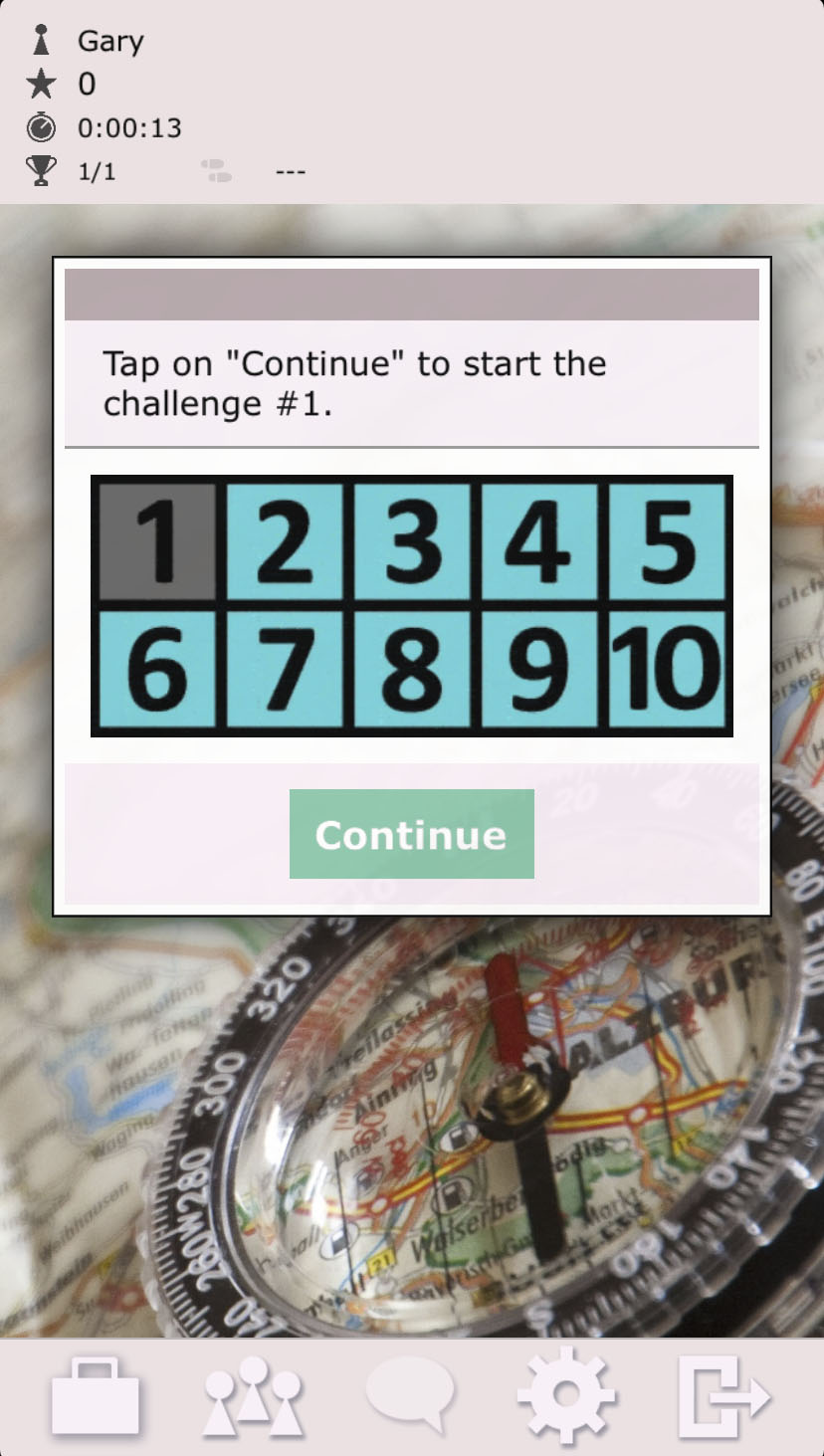
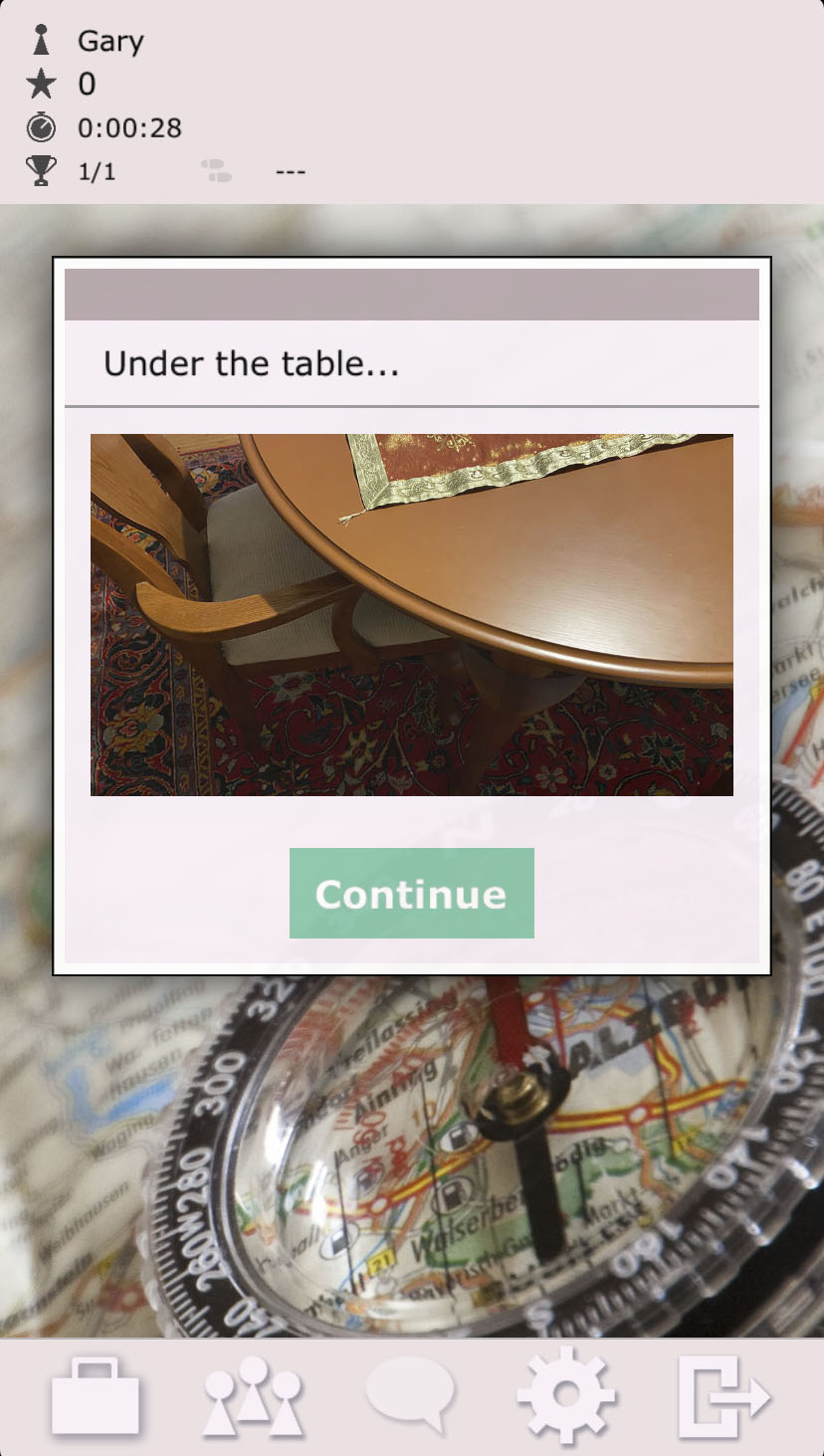
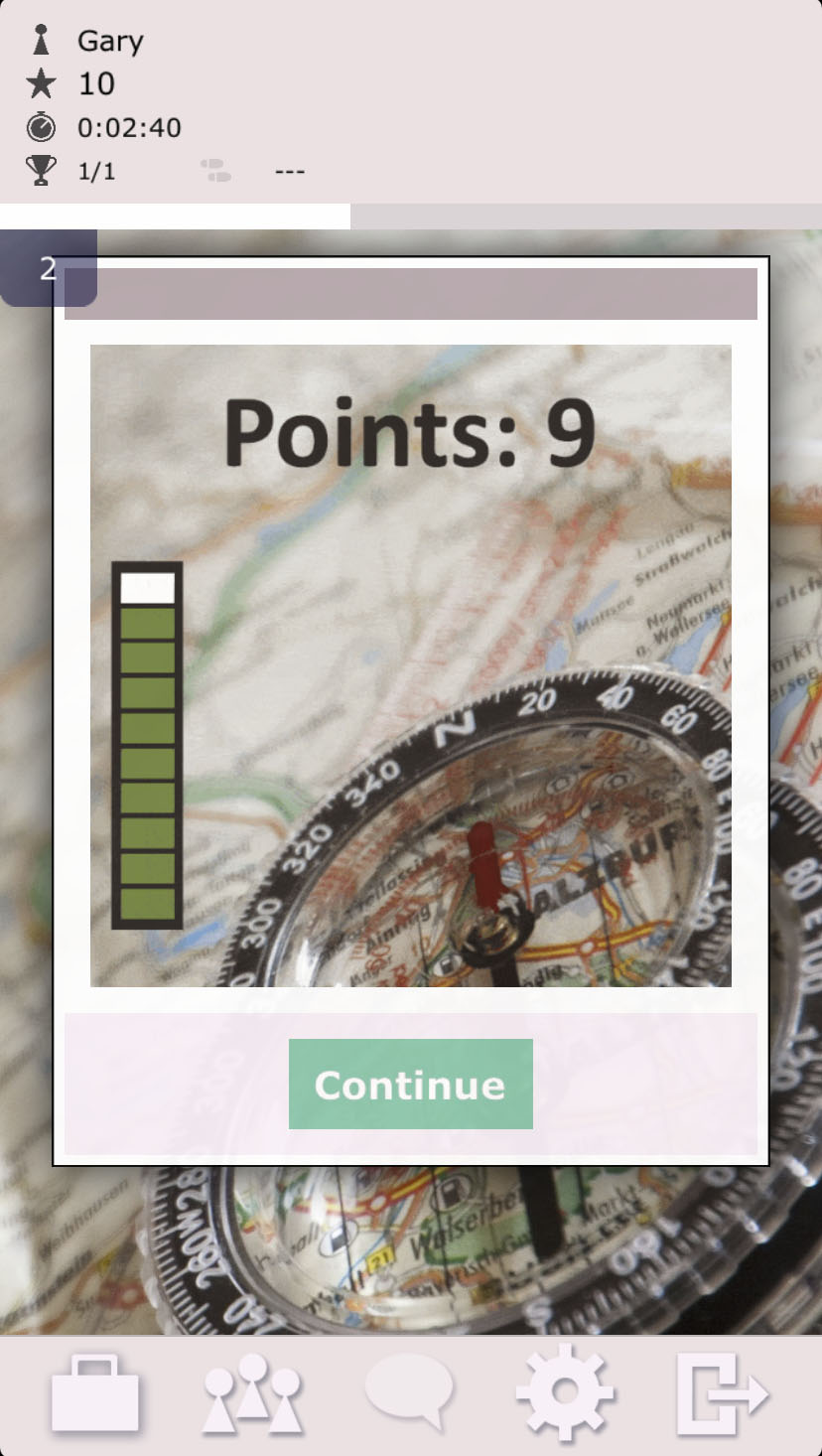
A few screenshots from the game

Game customization

1. Number of tasks

You can add any number of the client’s own tasks and questions to the game.

In addition, tasks can be added from TAZ’s question banks.

The typical maximum number of tasks is 20 (= the number of locations to be found).

1. Tasks and their order

The game tasks can be assigned to specific locations to be found, or they can be given in a completely random order.

Alternatively, the client’s own tasks can be given first, or emphasized at the beginning, to ensure that all teams complete them.

Instructions for players

How to play the Photo Orienteering game:

  1. Form teams of 3–5 people, with one shared mobile device per team. Choose a device with the fullest possible battery.

  2. Install the free ActionTrack app from the Google Play Store or Apple App Store.

  3. Launch the app and download the game by entering the access code, give your team a name, and join the game.

  4. This fun and active game includes 20 photo orienteering tasks, which are given to teams in a random order.

  5. In each search task, teams have a maximum of 10 minutes to find the location using photo and text clues.

  6. The faster a team finds the location indicated by the clue and scans the QR code found there, the more points the team earns. Each search task can award up to 10 points, and each minute reduces the reward by one point.

  7. If a team cannot find a specific location, they may skip the search task. In this case, the team receives zero points.

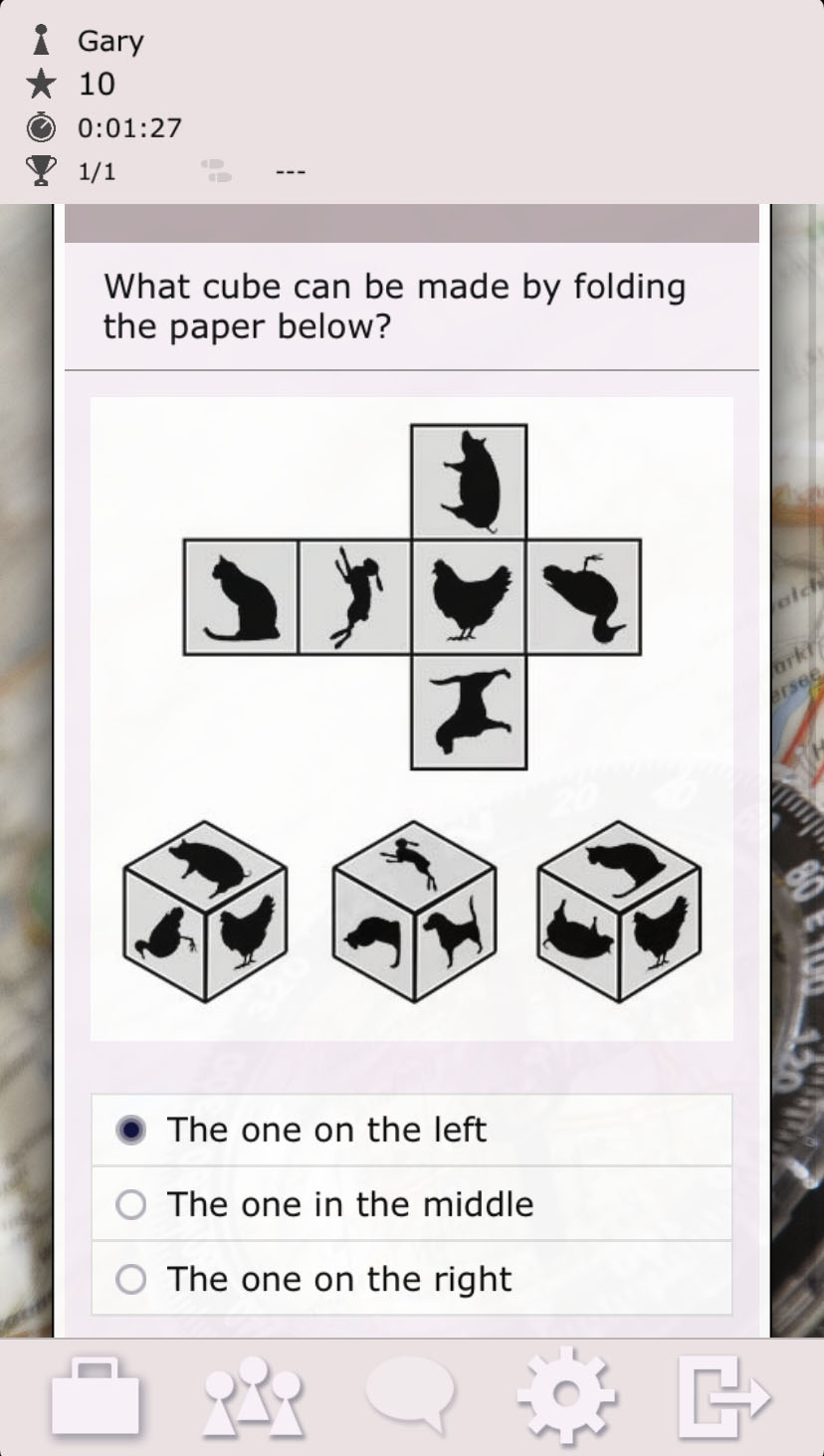
  8. At each location, teams are presented with a question. By answering correctly, they can earn important bonus points.

  9. The team that collects the most points wins. 🏆


Share this page